
How to Fix IPTV Buffering Problems: 9 Proven Solutions (2026)
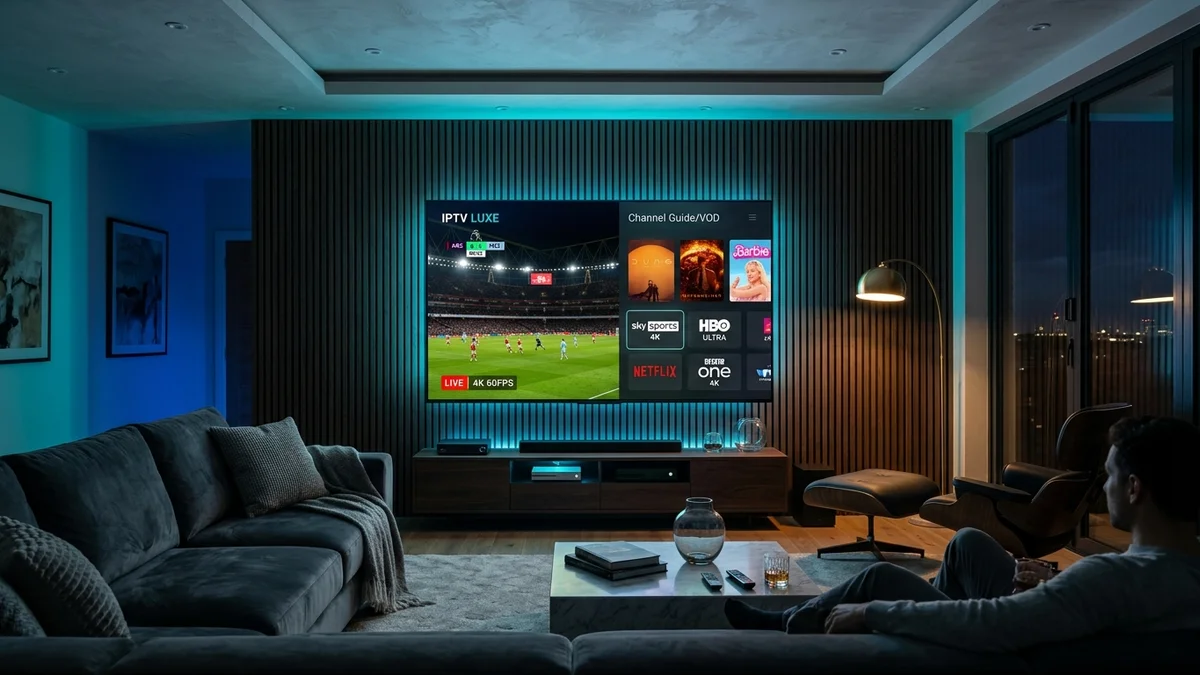
Few experiences are more irritating than settling down to watch a prime-time NFL matchup or championship boxing fight, only to be confronted with a stuttering picture and a frozen loading wheel. If you are searching for a permanent iptv buffering problems fix, you are in the right place.
Contrary to common belief, continuous buffering is rarely caused solely by raw download speeds. In fact, subscribers with 500 Mbps fiber optic connections frequently experience stuttering if player cache settings, DNS resolution, or local Wi-Fi frequencies are misconfigured.
1. Switch to 5 GHz Wi-Fi or Use a Wired Ethernet Adapter
The most prevalent culprit behind stream freezing is 2.4 GHz wireless frequency congestion. Standard 2.4 GHz bands are flooded by household microwave ovens, Bluetooth accessories, and neighborhood routers, causing packet loss.
Therefore, always connect your streaming device to your router’s 5 GHz Wi-Fi band. If your television or Amazon Firestick is located far from your access point, consider investing in a dedicated USB Ethernet adapter. Wired connections deliver steady latency and eliminate dropped frames during 60 FPS sports broadcasts.
2. Change Your DNS to Cloudflare (1.1.1.1) or Google (8.8.8.8)
Many major American internet service providers (ISPs) actively throttle multimedia streaming domains during peak evening hours or use sluggish default DNS resolvers. Consequently, your player experiences delays looking up video segments.
You can bypass ISP throttling by updating your streaming box or router DNS settings to public, privacy-focused resolvers:
- Cloudflare DNS: Primary:
1.1.1.1• Secondary:1.0.0.1 - Google DNS: Primary:
8.8.8.8• Secondary:8.8.4.4
3. Adjust Player Buffer Size in TiviMate and IPTV Smarters
Most modern IPTV players allow users to configure the internal video buffer. If your buffer is set to “None”, any momentary drop in wireless bandwidth will immediately freeze the stream.
In TiviMate IPTV Player, navigate to Settings → Playback → Buffer Size and select “Medium” or “Large” (3 to 5 seconds). This builds a safe cushion of video frames in your device RAM, absorbing minor connection fluctuations effortlessly.
4. Switch Video Decoders (Hardware vs. Software)
Different processors handle video rendering differently. If you encounter audio that plays while video stays black or stutters heavily, your player’s decoder needs adjustment:
- Hardware Decoder (HW): Uses your device’s GPU chipset for power-efficient 4K 60fps playback. Recommended for modern Firesticks and Nvidia Shield.
- Software Decoder (SW): Forces your CPU to decode video frames. Useful as a fallback if a specific stream format produces glitchy artifacts.
For comprehensive instructions on setting decoders, consult our tutorial on the best IPTV player apps.
Still Experiencing Freezing on Your Current Provider?
The issue might be an overloaded server. Test iptvfreetrial.us Anti-Freeze 9.0 servers risk-free with a 24-hour trial.
Claim Free 24-Hour Test on WhatsApp5. Clear App Cache on Your Streaming Device
Streaming devices with modest storage—particularly the 8 GB Firestick—rapidly accumulate cached channel icons, electronic program guide data, and movie posters. When free internal storage drops below 1 GB, the operating system struggles to allocate memory for video buffering.
On Amazon Fire TV, navigate to Settings → Applications → Manage Installed Applications → [Your IPTV App] → Clear Cache. Perform this maintenance once weekly for optimum stability.
6. Verify Your Real Download Speed
While basic 1080p HD streaming requires approximately 15 Mbps, uninterrupted 4K Ultra HD streams at 60 frames per second require a consistent 25 to 35 Mbps throughput. Test your current device speed using Speedtest by Ookla to verify your broadband capacity.
Summary: How to Permanently Stop IPTV Buffering
By adopting 5 GHz Wi-Fi, switching to Cloudflare DNS, configuring a 3-second buffer, and clearing accumulated cache, over 95% of buffering issues disappear. However, if your provider’s upstream server is oversubscribed, no local setting tweak will resolve the problem.
If your current service continues to stutter, review our IPTV pricing plans starting at $24.99 for 3 months with dedicated Anti-Freeze 9.0 server routing.